
A broadband upgrade at a Sale shop, office or home should include a plan for the CCTV system. Before the router is replaced, tell your CCTV installer when the change is happening and ask what will need checking afterwards. A working internet connection on a laptop does not, by itself, confirm that every part of your security system is working.
Start by identifying the equipment involved. Note the recorder model, where its network cable connects and which person manages the broadband router. Some cameras connect through the recorder, while others use network switches. Ask the installer to explain your arrangement so the broadband engineer knows which connections must be preserved.
Keep the network details with an authorised contact. Hikvision recorders can use automatically assigned network settings or a manually configured address, depending on the installation. A replacement router may use a different local address range. Ask the installer to check the recorder's address and gateway against the new network rather than copying settings from an unrelated system.
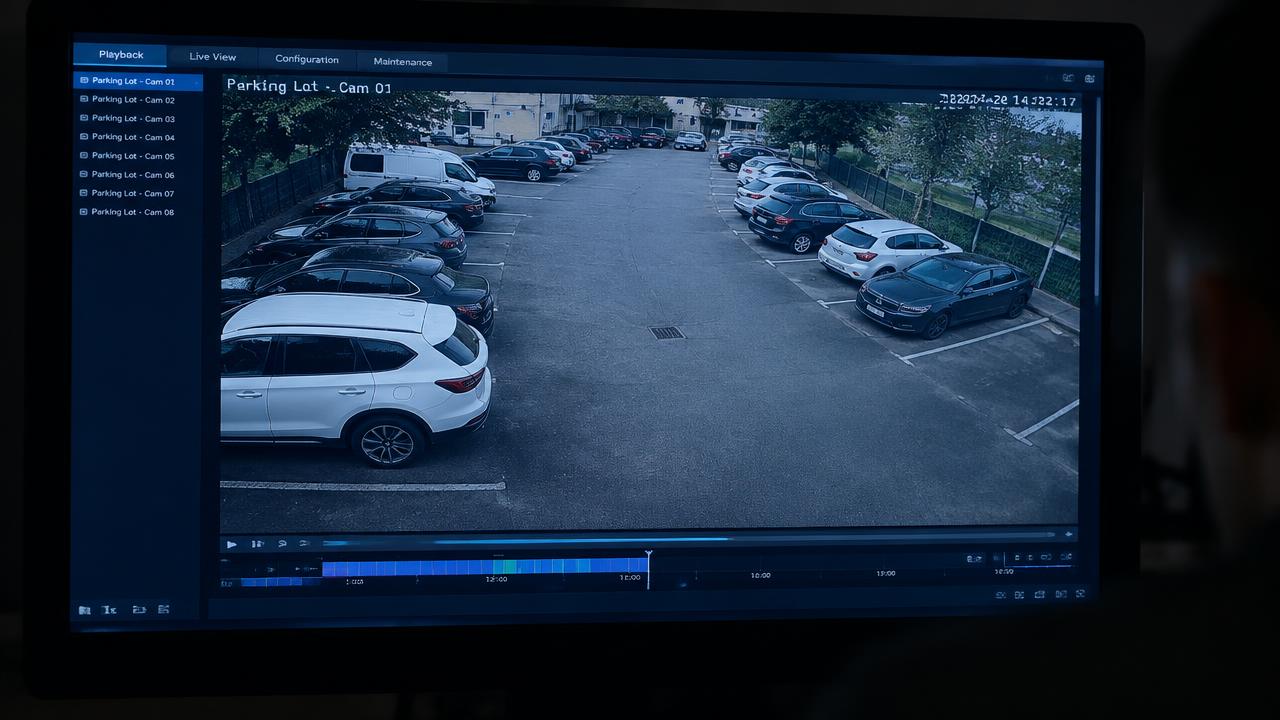
Check the recording and remote-viewing functions separately after the change. Ask for a demonstration of live pictures at the recorder, a new recording from after the router swap, and playback of that recording. Then test the authorised phone app away from the premises Wi-Fi. This gives you a clearer picture of what works than checking a single live image on one screen.
If Hik-Connect reports that the device is offline, give your installer the exact message and the time the router changed. Hikvision's troubleshooting guidance includes checking the device's internet connection, network addressing, DNS and platform-access settings. Let the CCTV installer and network administrator coordinate any changes; do not turn off the router's security features or factory-reset the recorder as a first attempt to restore viewing.
Agree who owns the final checks before the visit ends. Record any cameras that remain unavailable, who will investigate and how you will know the issue is resolved. Confirm that the people who normally view the system can still use their authorised accounts. Keep passwords and verification codes private rather than adding them to a general handover email.
Save a short record of the change, the checks completed and the support contact. If the router swap is planned for closing time, arrange someone to carry out the CCTV checks before the next trading day. That small amount of coordination can prevent a network change from becoming an unresolved security-system problem.
Spicy Protect installs and supports Hikvision CCTV for homes and businesses in Sale, Greater Manchester and across the North West. To discuss an existing system or plan a CCTV upgrade, email hello@spicyprotect.com or call 0161 339 7072.